


The moment is finally here — Metro Transit has activated our next-generation fare system and automated security gates at all MetroLink stations. The step marks a significant milestone in MetroLink’s transformation into a safer, more modernized, and easier-to-use transit network.
How Do I Use the New Fare System?
Metro Transit’s new fare system will make it easier than ever to ride and get the best value. Along with automated security gate integration, the new fare system introduces new features and an additional option to manage your fare — the Ride On Smart Card.
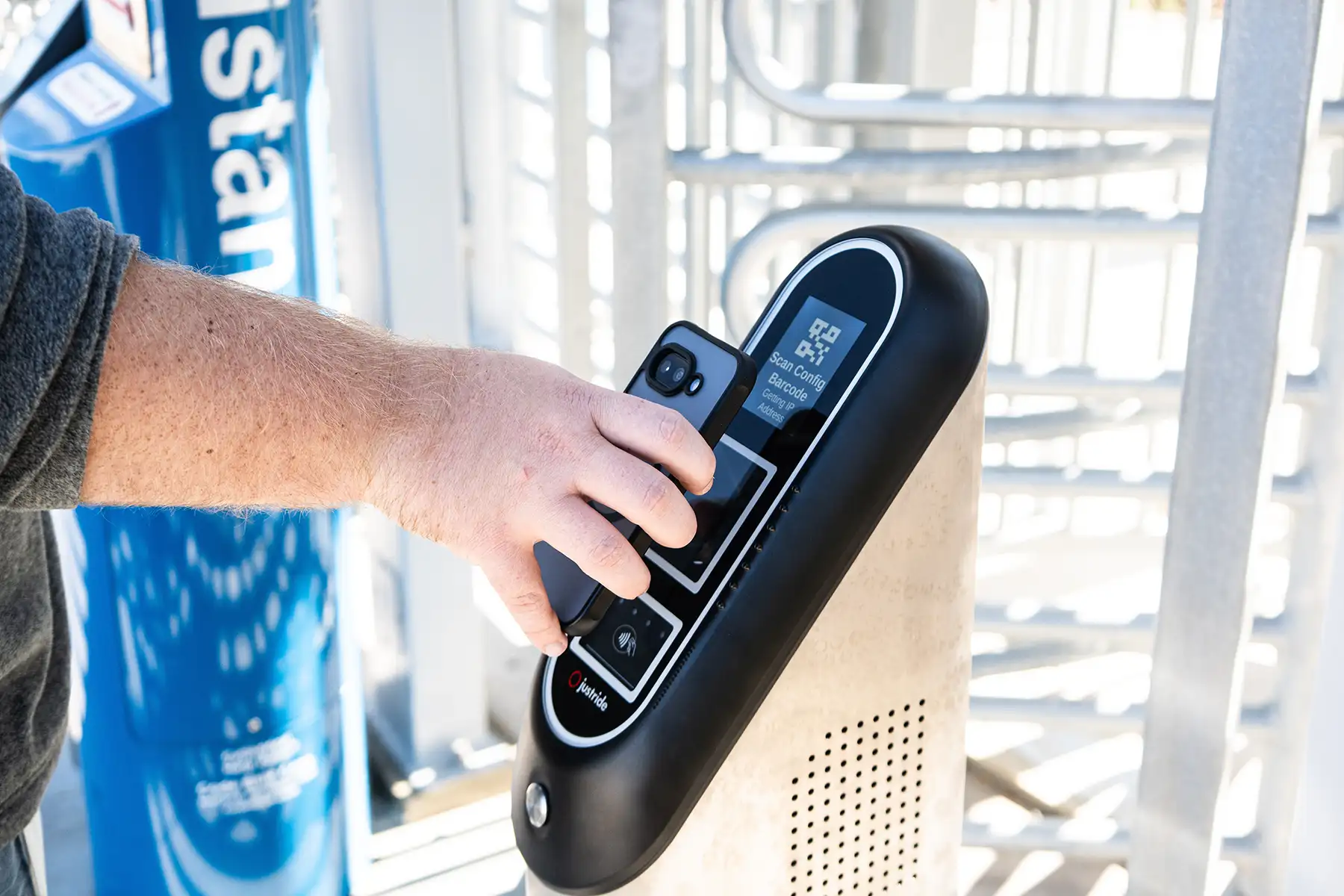
To open the MetroLink security gates independently, you just need to follow three steps:
Your Fare Tools Include:
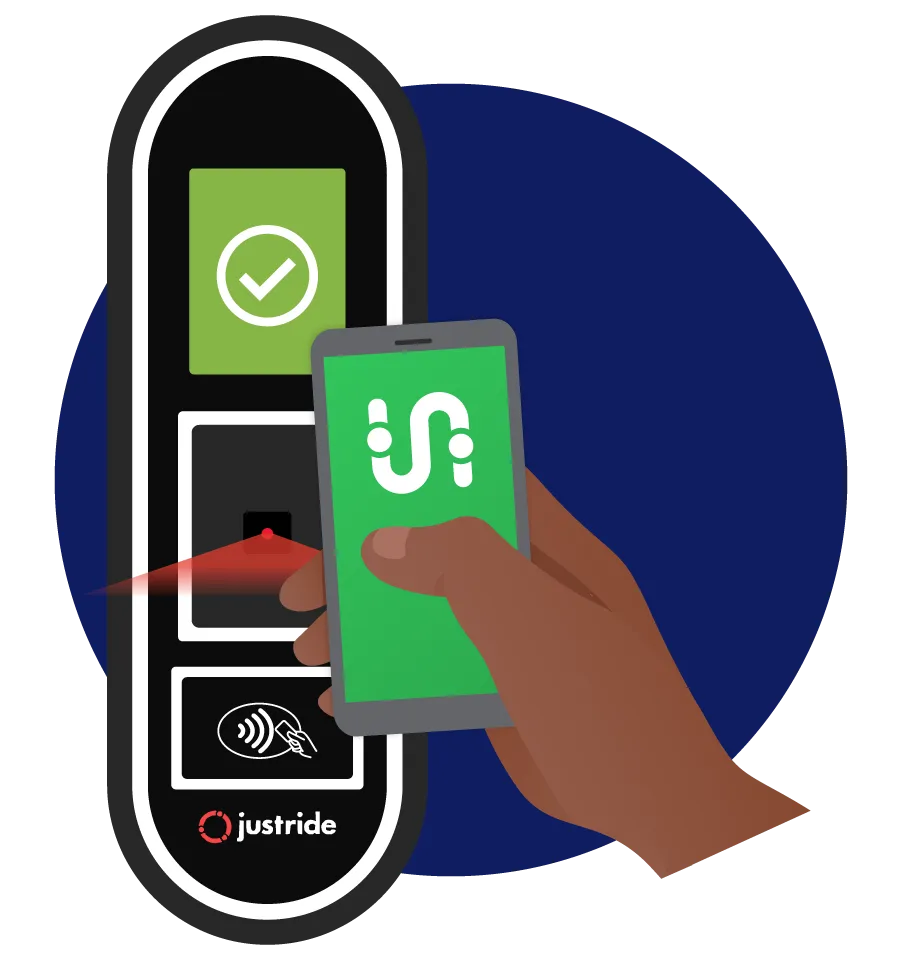
Transit App
Recommended! The easiest way to navigate the new fare system is to download and use the Transit app. As before, you can purchase digital tickets or passes on the Transit app, which provides a QR code you can scan at a fare validator. You can also set up Tap & Ride on the app for a more convenient way to pay for your fare. To set up Tap & Ride, look for the “Pay with QR code” option on the app.


Tip: Check out our step-by-step guide for help linking your Transit app with the Ride On portal.
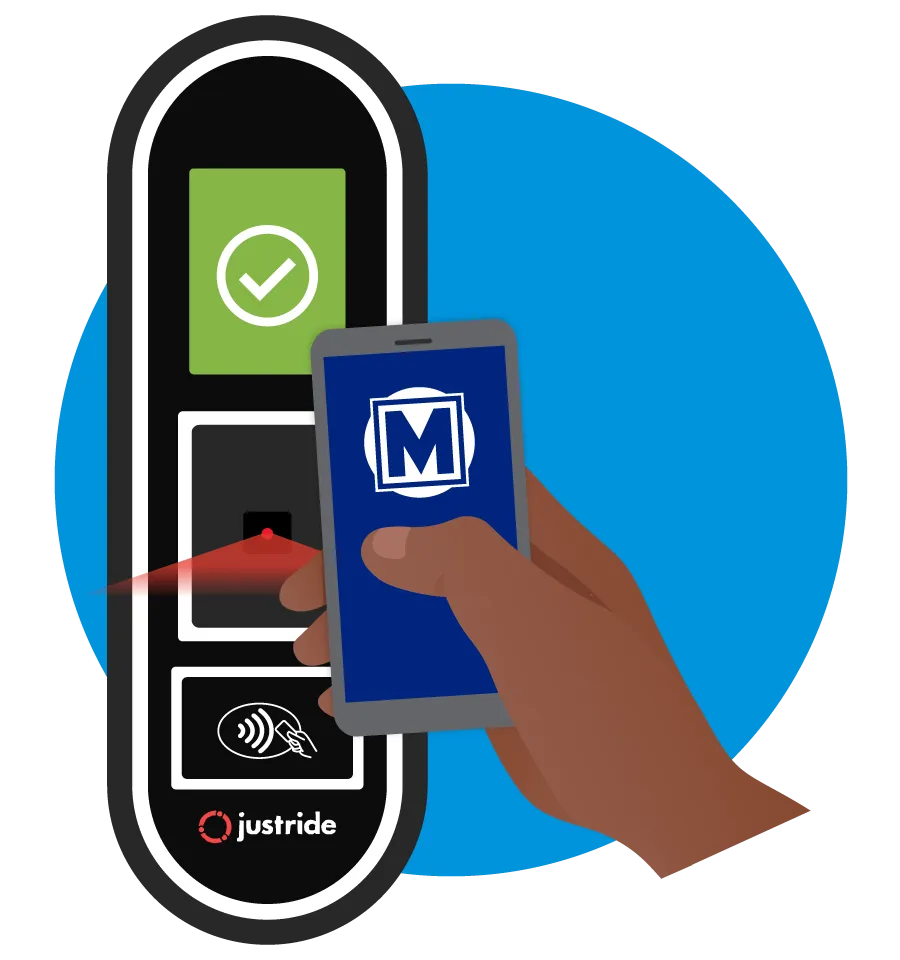
Ride On App
An alternative to the Transit app, streamlined for fare, making it a great option for riders who do not need a trip-planning tool or want a simple mobile fare solution. With the Ride On app, you can purchase digital tickets or passes, and more features are coming soon.
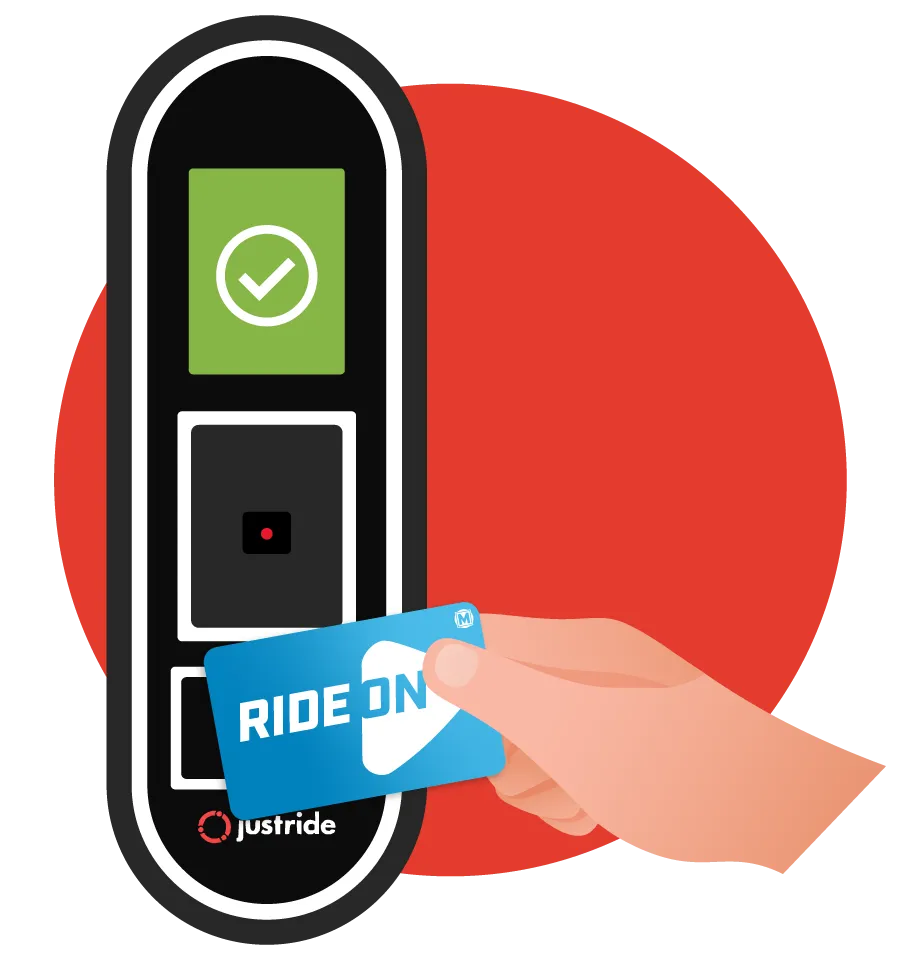
Ride On Smart Card
For riders who want the value of passes or new features without using an app, our new Ride On card is the answer. When you purchase a 7‑Day and 30‑Day pass, it will be loaded onto a Ride On card, which you can reuse by adding additional passes in the future. Even easier, you can add a Tap & Ride balance on a Ride On card. The Ride On card can work independently or be linked to Transit app.
Support Available
The Ride On! Crew is available 7 a.m. to 6 p.m. on weekdays, and 9 a.m. to 1 p.m. on weekends. You can also visit MetroStLouis.org/CardHelp at any time to submit an issue you are experiencing with your Ride On card, and a Metro representative will contact you to provide assistance. Our apologies for the inconvenience.
Tip: Ride On cards can be registered and linked to your account at MetroStLouis.org/MyTickets. By linking a Ride On card to your account, you are able to connect it to the Transit app. And if you ever lose a linked Ride On card with a balance, you can contact our sales team to transfer it to a new card. View our step-by-step guide for help linking a Ride On card to your account.
Tickets and Passes
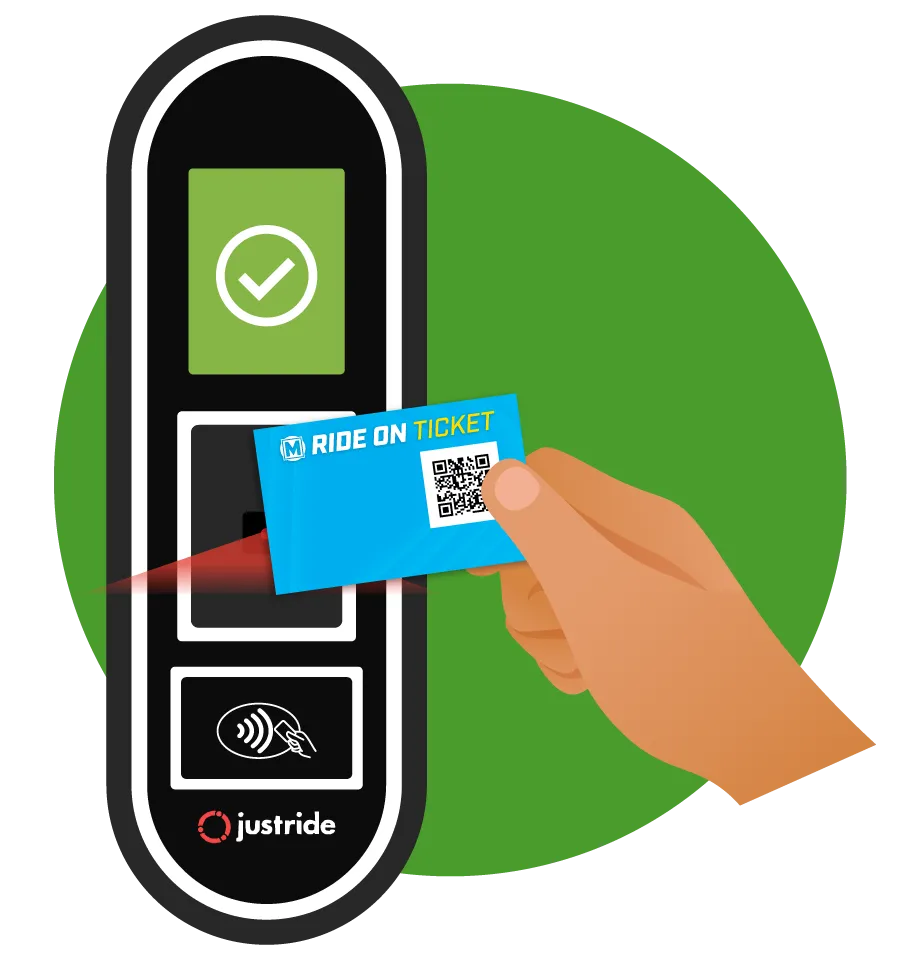
The ticket and pass options you’re familiar with are still available, but with a new look and minor changes. When you purchase a single-ride ticket from a TVM, it will feature a QR Code that you scan at a MetroLink validator. When you purchase a 1‑Day pass from a TVM, it comes on a card with a chip that registers when you tap a validator. Weekly and monthly passes are now 7‑Day and 30‑Day passes and come loaded on a Ride On smart card.
Your New Fare Features:
Tap & Ride
Available for Transit app and Ride On card
Tap & Ride is the easiest, fastest way to pay your fare. Instead of purchasing individual passes, you’ll be able to add funds to a Tap & Ride balance. Then, when boarding, you’ll simply present your phone to the validator, and it will automatically draw the appropriate fare from that balance.
Fare Capping
Available for Transit app and Ride On card
Fare capping is an automatic feature when you use Tap & Ride, making it easy to save. You no longer have to worry about whether it’s worth buying a pass for the next week or month. When you Tap & Ride, our system knows how much you’ve spent on fare and stops charging you once you’ve reached the total for a pass, so you are guaranteed the lowest fare. This is a major advantage for riders who could save money with a 7‑Day or 30‑Day Pass but can’t afford the up‑front cost.
Reduced-Fare and ADA Paratransit Customers:
Transitioning to Your New Ride On Card
Metro Transit will stop accepting Red ADA Paratransit Gateway Cards on MetroBus and MetroLink on September 30, 2026, as it transitions to a new fare system. Riders who use these cards must request a replacement ADA Paratransit Ride On card before the deadline. Please visit this page for information on how you can recieve a new ADA Paratransit Ride On card.
If you currently have an ADA Paratransit Card (Call‑A‑Ride Card) or a Senior Reduced Fare Card, please fill out this form. This way we can be sure to have your current contact information and keep you updated about the new process.
If you have additional questions, please call our ADA Services department at 314.982.1510, email OnTheWayADA@MetroStLouis.org, or use the contact form at the bottom of this page.
FAQs
Note: This is still a work in progress – we’ll be adding more answers soon!
Have a question that was not answered above? Share it here and our team will respond within two business days.
Exchanging Unused Legacy Fare
You can mail your qualifying unused legacy ticket or pass to Metro Transit and receive a replacement. Exchange requests will only be accepted by mail and must be completed by Oct. 30, 2026.
Along with the unused legacy fare, please also include your:
- Name
- Address
- Phone number
- Email address
Send your unused legacy fare and information in an envelope by mail to: